Centro de la comunidad


Centro de la comunidad
Digital Dignity Series #3.1: Beginner’s Guide to AI (1)
Steven Johnsrude7 de abril de 2026
Continuing Artificial Intelligence Using AI with Prompts
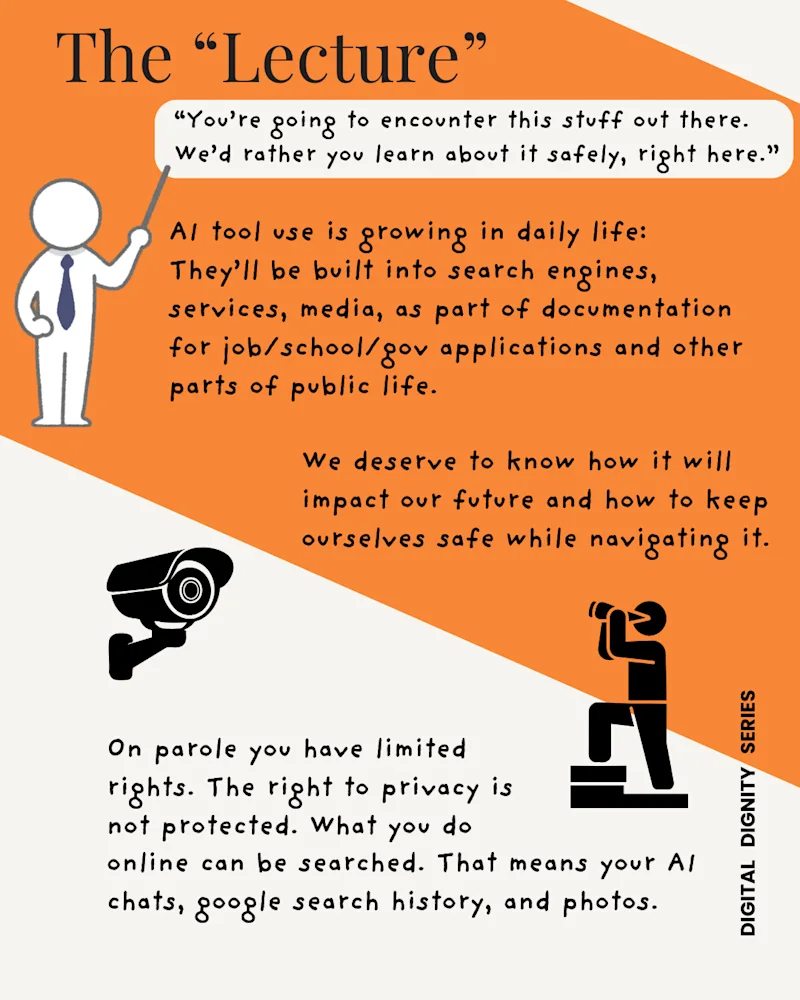
AI tool use is growing in daily life: They’ll be built into search engines, services, media, as part of documentation for jobs, school, government applications, and other parts of public life. We deserve to know how it will impact our future and how to keep ourselves safe while navigating it.
On parole you have limited rights. The right to privacy is not protected. What you do online can be searched. That means your AI chats, google search history, and photos.
“You’re going to encounter this stuff out there. We’d rather you learn about it safely, right here.”
Where to access?
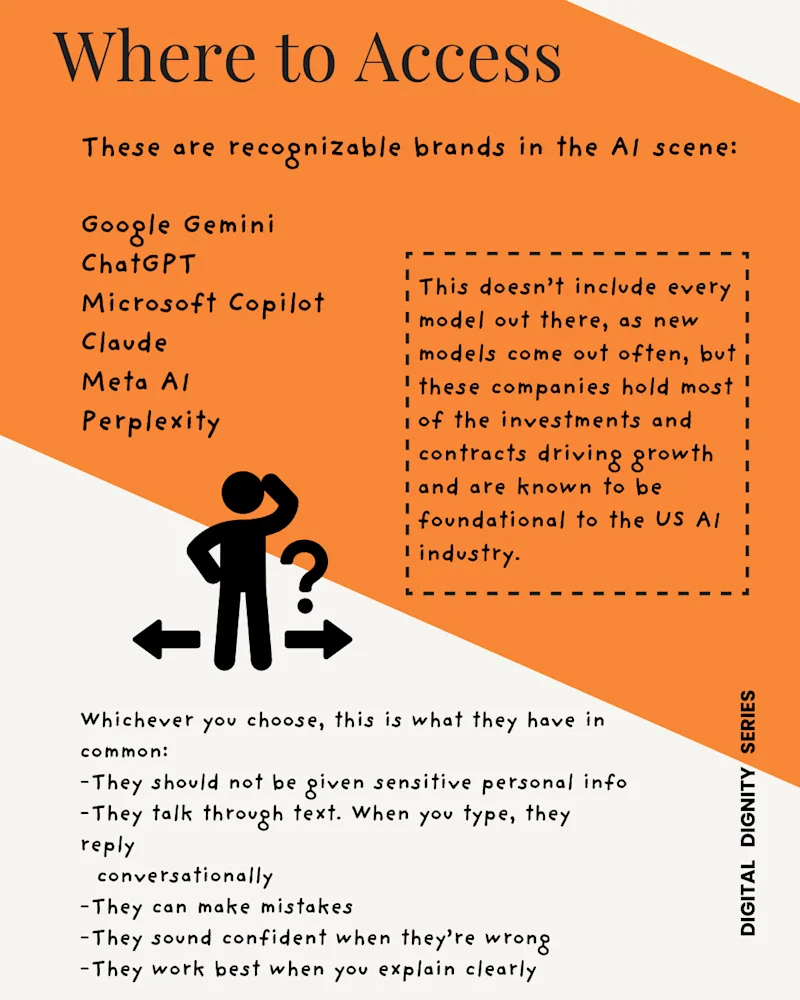
These are recognizable brands in the AI scene: Google Gemini, ChatGPT, Microsoft Copilot, Claude, Meta AI, Perplexity. This doesn’t include every model out there, as new models come out often, but these companies hold most of the investments and contracts driving growth and are known to be foundational to the US AI industry. Whichever you choose, this is what they have in common: -They should not be given sensitive personal info
-They talk through text. When you type, they reply conversationally
-They can make mistakes
-They sound confident when they’re wrong
-They work best when you explain clearly
What is a prompt?
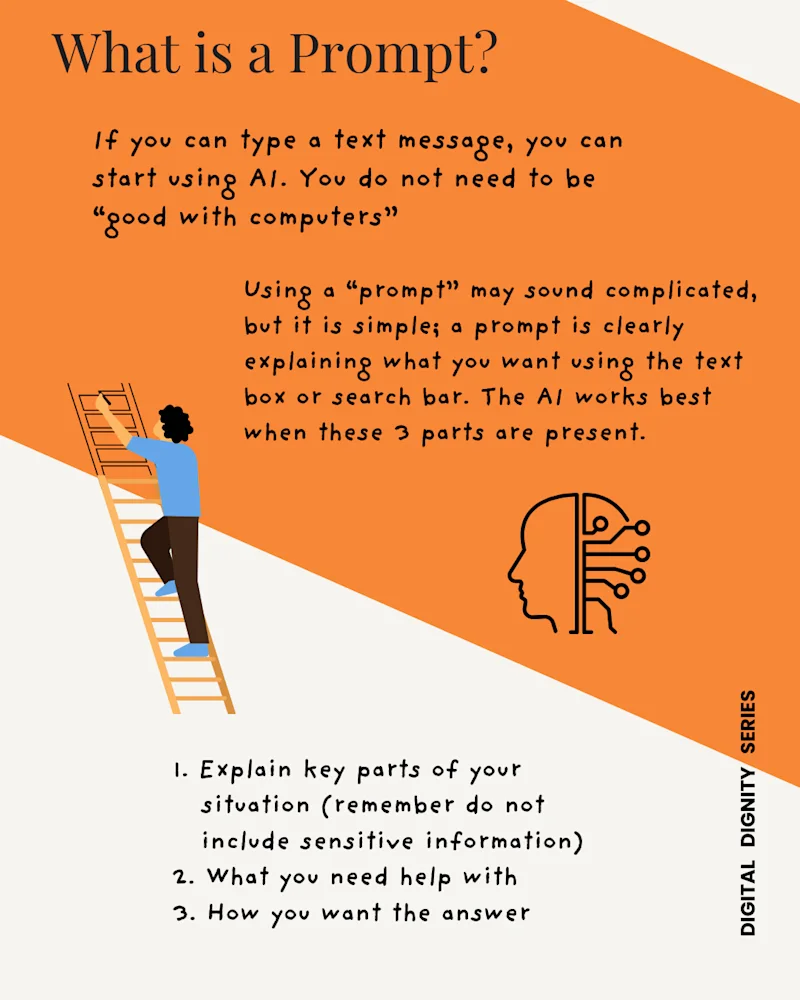
If you can type a text message, you can start using AI. You do not need to be “good with computers”. Using a “prompt” may sound complicated, but it is simple; a prompt is clearly explaining what you want using the text box or search bar. The AI works best when these three parts are present.
Explain key parts of your situation (remember do not include sensitive information)
What you need help with
How you want the answer
Prompt Writing Examples
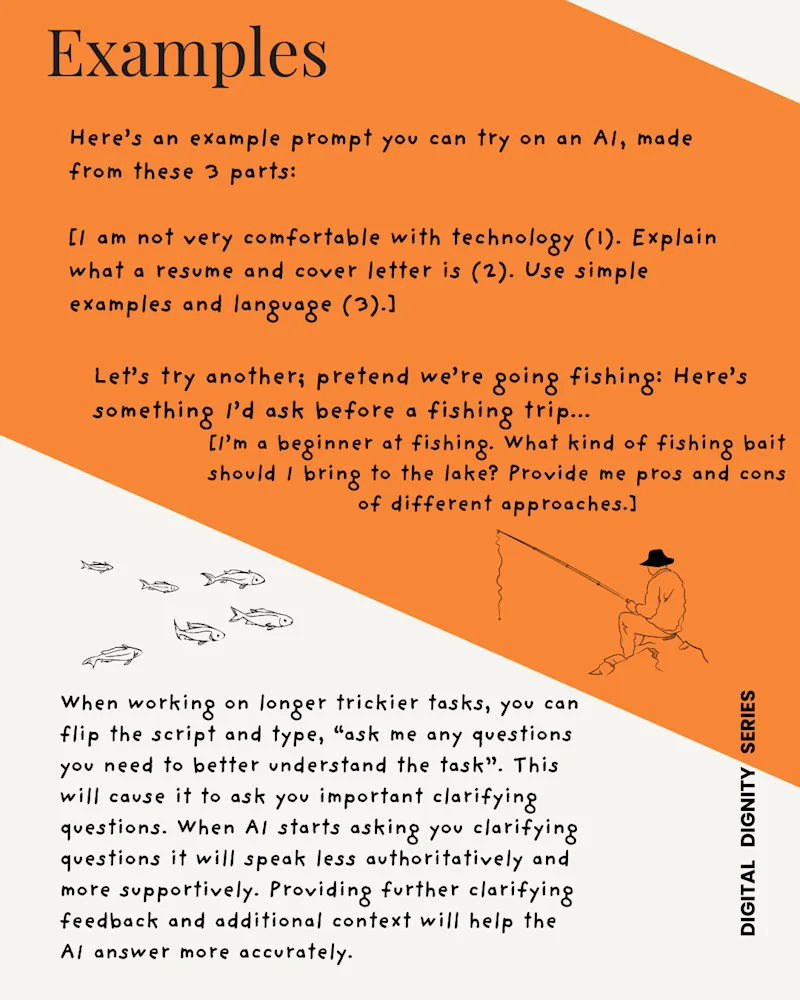
Here’s an example prompt you can try on an AI, made from these three parts:
Part 1 (explain your situation) I am not very comfortable with technology.
Part 2 (what you need help with) Explain what a resume and cover letter is.
Part 3 (how you want the answer) Use simple examples and language.
Let’s try another; pretend we’re going fishing. Here’s something I’d ask before a fishing trip…
I’m a beginner at fishing. What kind of fishing bait should I bring to the lake? Provide me pros and cons of different approaches.
When working on longer, trickier tasks, you can flip the script and type, “ask me any questions you need to better understand the task”. This will cause it to ask you important clarifying questions. When AI starts asking you clarifying questions it will speak less authoritatively and more supportively. Providing further clarifying feedback and additional context will help the AI answer more accurately.
Learning and Research
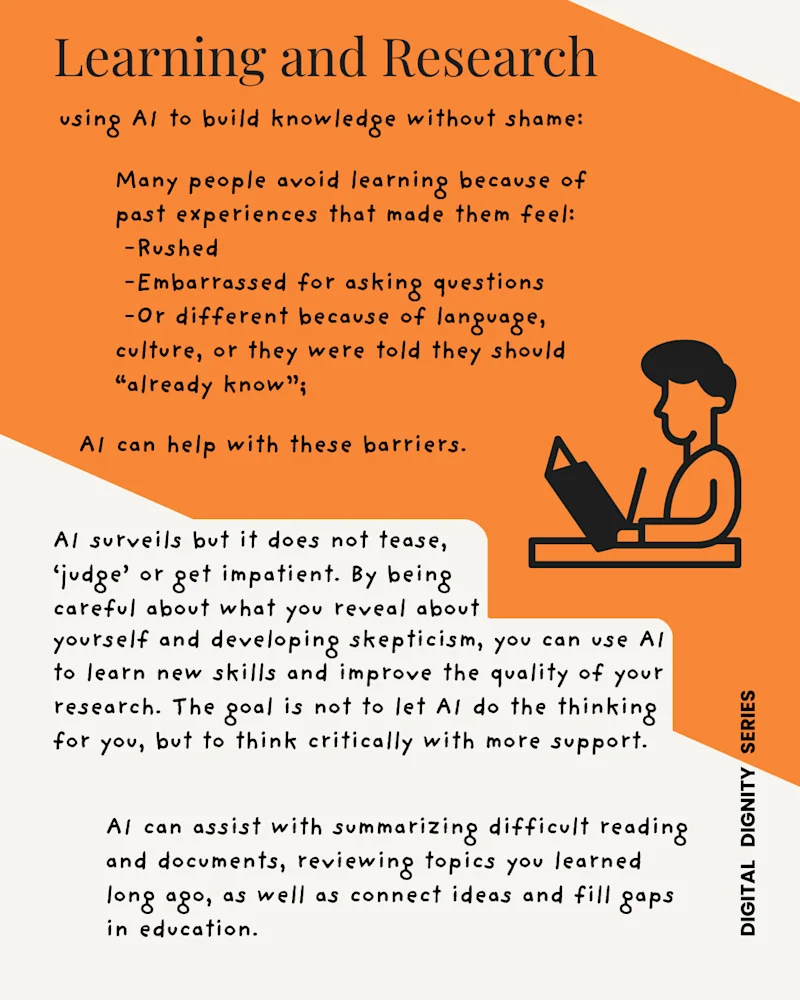
Using AI to build knowledge without shame: Many people avoid learning because of past experiences that made them feel rushed, embarrassed for asking questions, or different because of language, culture, or they were told they should “already know”;
AI can help with these barriers. AI surveils but it does not tease, ‘judge’ or get impatient. By being careful about what you reveal about yourself and developing skepticism, you can use AI to learn new skills and improve the quality of your research. The goal is not to let AI do the thinking for you, but to think critically with more support. AI can assist with summarizing difficult reading and documents, reviewing topics you learned long ago, as well as connect ideas and fill gaps in education.
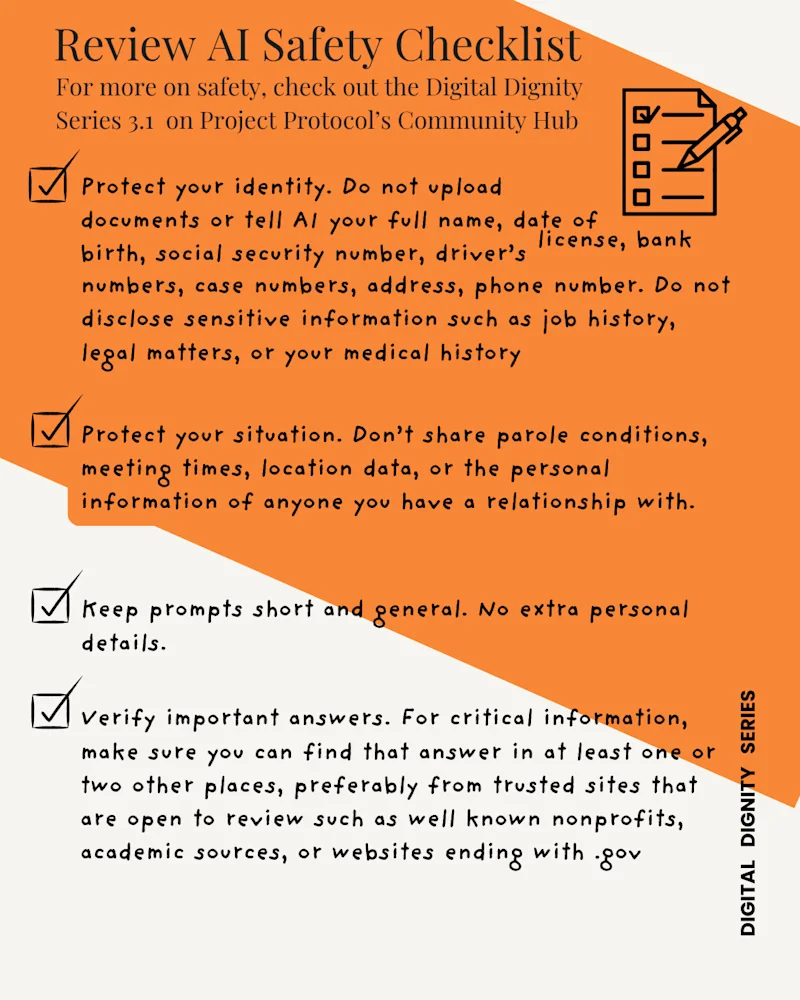
Review AI safety checklist
For more on safety, check out the Digital Dignity Series 3.1 on Project Protocol’s Community Hub.
Digital Dignity Series 3.1: Beginner Safety
Project Protocol Community Hub
Protect your identity. Do not upload documents or tell AI your full name, date of birth, social security number, driver’s license, bank numbers, case numbers, address, phone number. Do not disclose sensitive information such as job history, legal matters, or your medical history.
Protect your situation. Don’t share parole conditions, meeting times, location data, or the personal information of anyone you have a relationship with.
Keep it short and general. No extra personal details.
Verify important answers. For critical information, make sure you can find that answer in at least one or two other places, preferably from trusted sites that are open to review such as well known nonprofits, academic sources, or websites with .gov.
Centro de la comunidad